UX/UI
Design







Web design
Take a look at some of my designs
Web creations
 Water Drop
Step 1
Here I'm creating the drop with a CSS drop shadow and border radius, and setting up the 3d object from the perspective that makes it seem right in front of the page.
Step 2
Now I'm going to add keyframes to the waterdrop
Step 3
Now I'll add an animation to the text
Final
 Light-Switch
Step 1
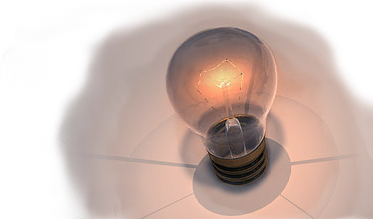
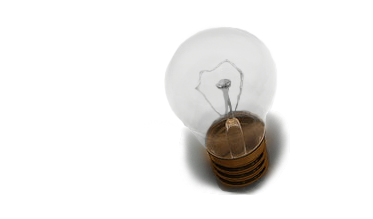
I create both images on photoshop, then import and position them over top of one another.
Step 2
var lightOn = document.querySelector('.lighton');
var lightOff = document.querySelector('.lightoff');
lightOn.classList.toggle('hidden');
lightOff.classList.toggle('visible');
if (!lightOn.classList.contains('hidden')) {
lightOn.style.opacity = 1;
lightOff.style.display = 'none';
} else {
lightOn.style.opacity = 0;
lightOff.style.display = 'block';}}
Now, I add a function to toggle the images opacity, and I start the if statement with an argument checking for an absent .hidden toggle since the default image is lighton (without the toggle).
Step 3
}
document.querySelectorAll('.light-toggle').forEach(toggle => {
toggle.addEventListener('click', toggleLights);});
I want to only switch the lightbulb if I click on it, not if I click it's img element or parent div, so I use the .light-toggle div as the switch.
Step 4
Lastly, I add a text overlay and attach another function to the light-toggle click event listener which will toggle the attached CSS files.
Final